Lightroom Mobile Top 5 Presets Download...

- Lightroom Presets Ko Kaise Use kare....
- Lightroom mobile presets ka istemal karna photo editing ko bahut hi aasan bana deta hai. Niche diye gaye steps follow karein:
- Lightroom Mobile App Open kare: Apne mobile device mein Lightroom mobile app ko open karein.
- Photo Import kare: Photo edit karne ke liye, Lightroom app mein photo ko import karein. Iske liye, "+" icon par tap karein aur phir "Add Photos" select karein, ya phir direct gallery se photo select karein.
- Edit Panel Open kare: Photo select karne ke baad, bottom panel mein Edit icon (jaise pencil ya sliders ka icon) par tap karein.
- Presets Panel Open kare: Edit panel mein, top-right corner mein ek three-dot menu hoga. Us par tap karein aur "Presets" option ko select karein.
- Presets ko Browse karein: Ab aapke samne presets ka collection hoga. Aap presets ko scroll karke browse kar sakte hain aur jis preset ko apply karna chahte hain, us par tap karein.
- Presets Apply karein: Jab aap preset par tap karte hain, to wo automatically aapke photo par apply ho jayega. Aap dekhenge ki aapka photo preset ke according change ho jayega.
- Adjustments karein (optional): Agar aapko preset ke baad bhi kuch adjustments karna hai, to aap editing tools ka istemal karke further adjustments kar sakte hain.
- Save karein aur Share karein: Jab aap satisfied ho jaayein apne editing se, to "Done" ya "Save" button par tap karein. Phir aap photo ko apne gallery mein save kar sakte hain ya direct social media platforms par share kar sakte hain.
Is tarah se aap presets ka istemal karke Lightroom mobile app mein aasani se photo edit kar sakte hain...Killer Editing👌
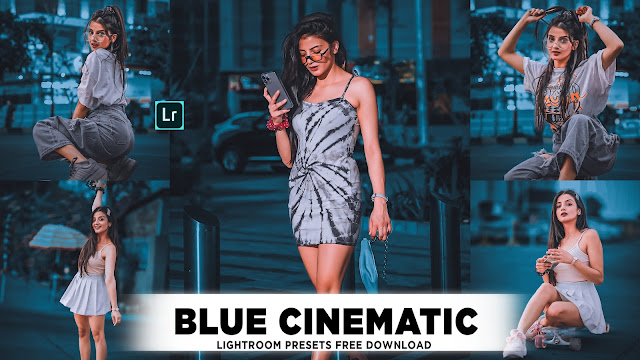
1. Lightroom Presets...(1)👇

👉 PRESET DOWNLOAD 👈
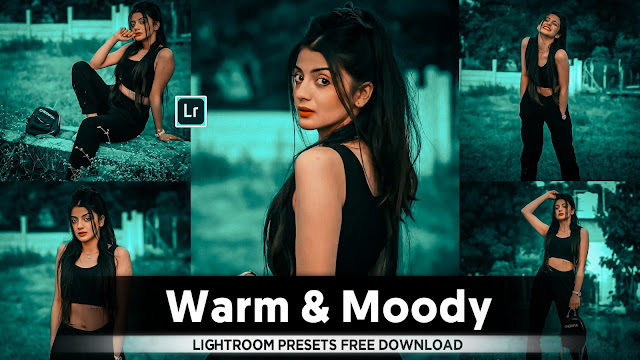
2. Lightroom Presets...(2)👇

👉 PRESET DOWNLOAD 👈 |
3. Lightroom Presets...(3)👇


5. Lightroom Presets...(5)👇

👉 PRESET DOWNLOAD 👈
• Lightroom se photo edit karna seekhna ek achha idea hai:-
1. Lightroom ko Install kare: Lightroom ko apne device par download karein aur install karein.
2. Library mein Photos Import karein: Apne photos ko Lightroom ke Library mein import karein tak taki aap unhe easily access kar sakein.
3. Photos ko Organize karein: Photos ko folders mein organize karein aur tags ya keywords ka istemal karein for easy search.
4. Basic Editing Tools ka istemal karein: Exposure, contrast, highlights, shadows, whites, blacks, clarity, vibrance, saturation jaise basic editing tools ka istemal karein photo ko improve karne ke liye.
5. Crop aur Straighten karein: Composition ko enhance karne ke liye photo ko crop aur straighten karein.
6. Color Adjustments karein: Hues, saturation, aur luminance ko adjust karein taki colors vibrant aur balanced lagein.
7. Selective Editing ka istemal karein: Brush, gradient, aur radial filters ka istemal karein specific areas ko edit karne ke liye.
8. Detail Enhancements: Sharpening, noise reduction, aur lens corrections ka istemal karein for fine detail enhancements.
9. Presets ka istemal karein: Presets ka istemal karein for quick editing aur apne unique editing style ko develop karein.
10. Export karein: Edited photos ko desired format aur resolution mein export karein for sharing ya printing.
• here's a step-by-step guide to creating your own top 5 presets in Lightroom:
1. Open Lightroom: Launch the Lightroom application on your computer or mobile device.
2. Import Your Photo: Choose the photo you want to work with and import it into Lightroom.
3. Adjust Basic Settings: Start by adjusting the basic settings like exposure, contrast, highlights, shadows, whites, and blacks until you're satisfied with the overall look of the photo.
4. Fine-tune Color: Use the color adjustment tools to enhance or correct the colors in your photo. This includes temperature, tint, vibrance, and saturation.
5. Crop and Straighten: If necessary, crop and straighten your photo to improve composition.
6. Apply Presets: Once you're happy with the adjustments, save them as a preset. Click on the "+" icon next to the Presets panel and select "Create Preset." Name your preset and choose which settings to include.
7. Adjust Preset Settings: After creating your preset, you can fine-tune its settings by adjusting the sliders to achieve the desired effect.
8. Repeat for Different Styles: Repeat the process for different styles or looks you want to achieve. Experiment with different combinations of settings until you have a collection of presets that cover various editing styles.
9. Organize Your Presets: Organize your presets into folders for easy access. You can create folders based on themes, such as portrait, landscape, black and white, etc.
10. Save and Share: Once you've created your top 5 presets, save them for future use. You can also share them with others by exporting the presets and sharing the files.
* Lightroom Mobile Top 5 Presets free download ki Process.
1. pahle video ko Puri and Tak dekhen uske bad video mein jo number ke sath presets ke password Diye hai vah sare password ko note Karen uske bad Jo yah website per Aakar vahi number per Jo password diye number click karke. Vah password dalkar presets Ko download Karen. Top 5 presets aap Is tarah Se download kar sakte hain.


Comments
Post a Comment